SB updates
How Auto-refund for payment discrepancies works on Startbutton dashboard
Damilola Oyelere
Aug 18, 2026
3 minutes
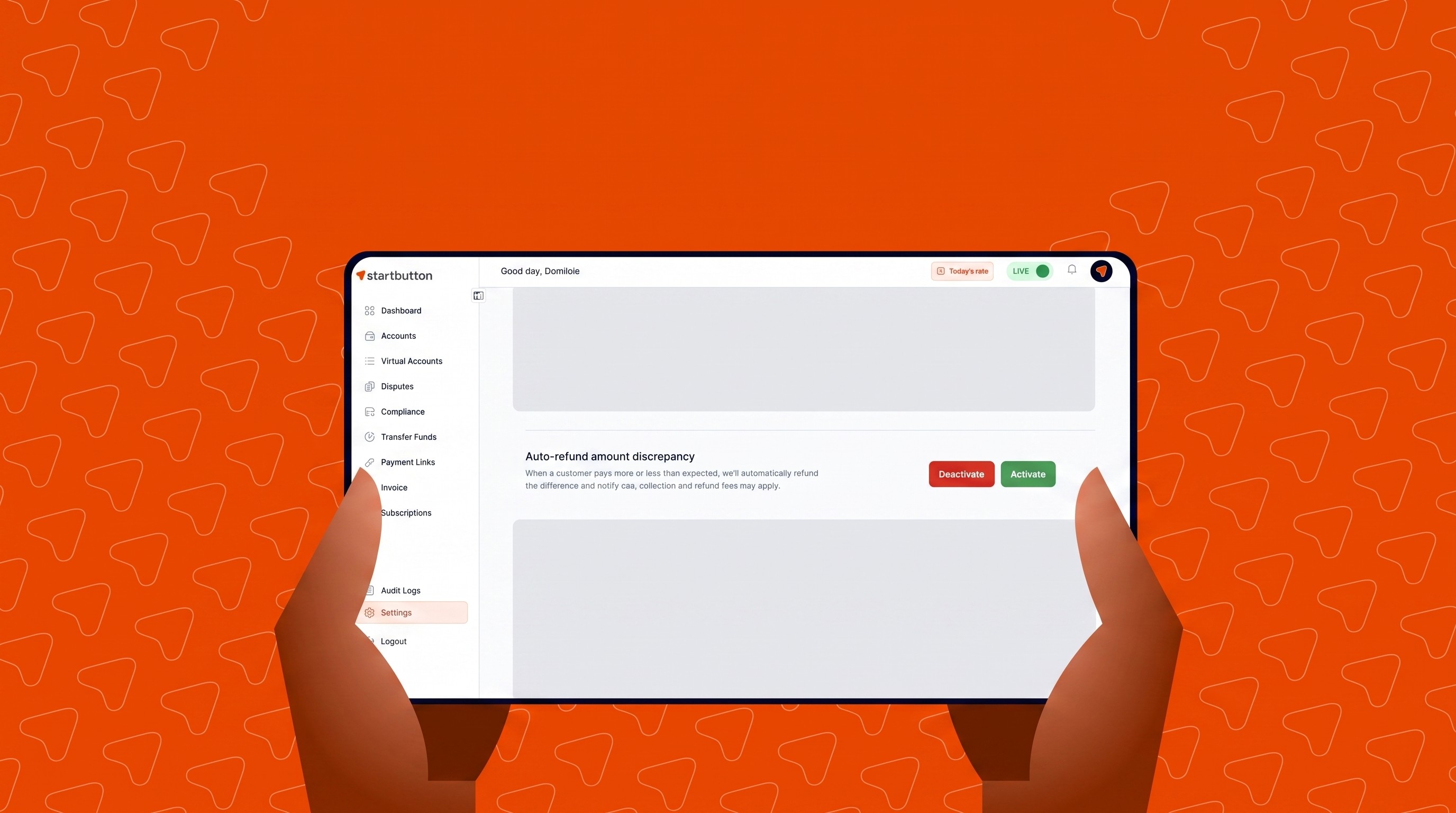
Managing payments across digital channels becomes much easier when your payment system automatically handles human error; this reduces support tickets, lowers friction, and ensures a transparent payment experience for your customers.
Auto-refund for payment discrepancies on Startbutton helps you handle incorrect payment amounts instantly without leaving your workflow, so you can automatically return underpaid or overpaid amounts, protect your operational bandwidth, and keep your reconciliation clean.
Why Auto-refund matters
If you process payments at scale, you’ll often run into:
Customers underpaying by mistake, leaving orders stuck in limbo
Overpayments that require manual support interventions to refund the excess
Operational bottlenecks while finance teams manually review and process discrepancy refunds
Auto-Refund for Payment Discrepancies automates this process directly on Startbutton.
How Auto-refund works on the dashboard
On the Startbutton dashboard, Auto-refund is a smart toggle that instructs the system how to handle incoming payments that do not exactly match your expected collection amount.
Step 1: Access your dashboard settings
Log in to your Startbutton dashboard.
Navigate to Settings → Additional Settings.
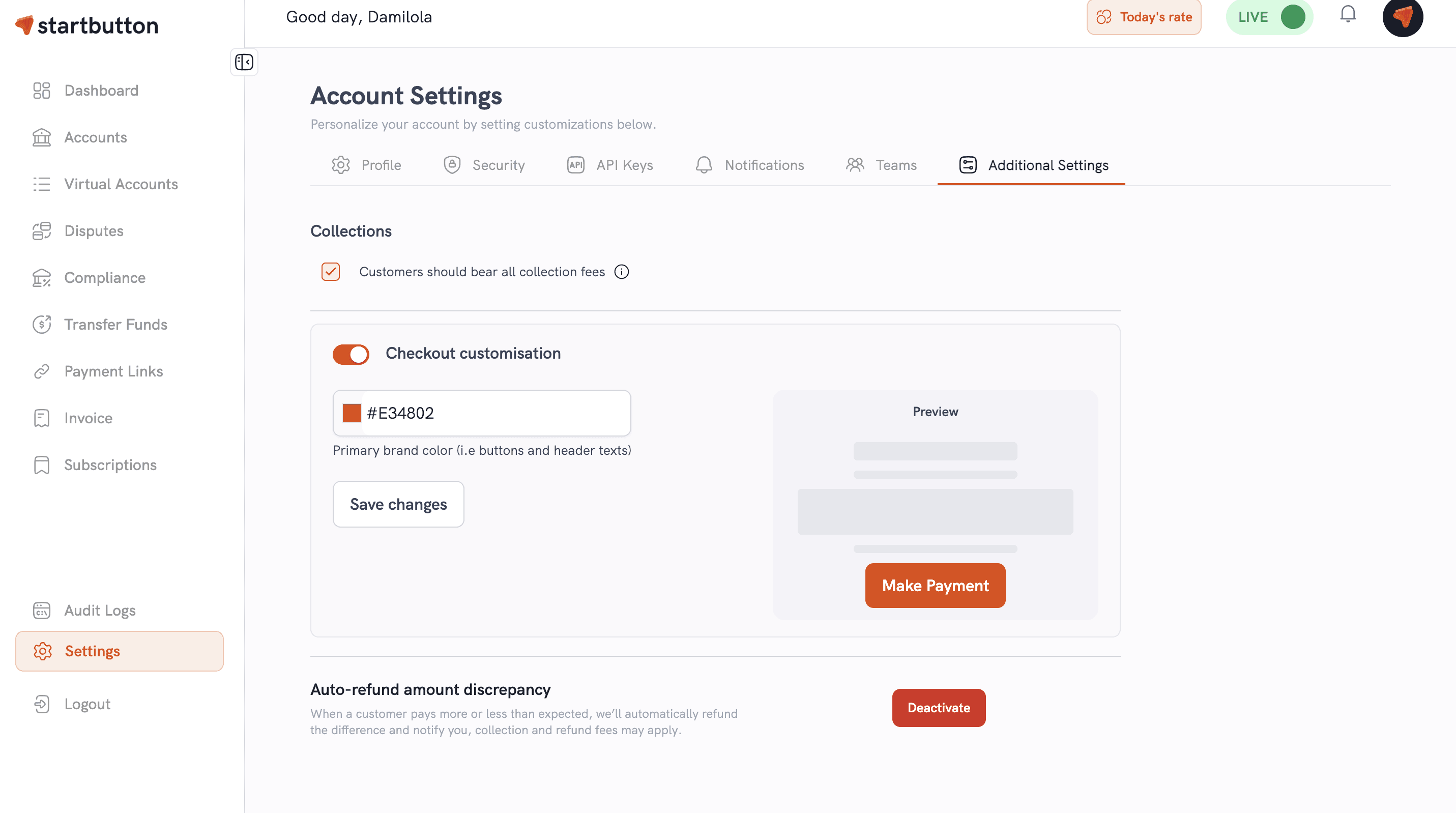
Find the Auto-refund for Payment Discrepancies toggle.

Step 2: Choose your preference
Enable the feature: The system will automatically process discrepancy refunds the moment payments arrive.
Disable the feature: Incoming underpaid or overpaid collections will be recorded as-is for your team to manually review and action.
Step 3: Automated processing on incoming payments
When enabled and a payment discrepancy occurs:
Underpayments: The total amount received is automatically refunded to the sender.
Overpayments: The exact excess amount is refunded automatically, while the primary collection continues to process.
Step 4: Track updates automatically
Whether an overpayment or underpayment occurs, Startbutton keeps your systems notified in real time:
Collection Webhook: Confirms the initial payment receipt.
Refund Webhook: Confirms that the discrepancy refund has been initiated and successfully processed.
Common ways merchants use Auto-refund
1) Eliminating manual refund tasks
Reduce the workload on your finance and support teams by automating the tedious task of calculating and processing return payments for amount errors.
2) Improving customer trust
Customers who make a mistake are immediately refunded rather than waiting days for a support team to audit and manually return their funds.
3) Maintaining clean reconciliation
Ensure your ledger only reflects exact expected collections, avoiding messy partial-payment states across your accounting software.
If you want to accept small payment variations before triggering a refund: You can use the Underpayment tolerance threshold feature alongside Auto-refund to define how much variance you're willing to tolerate before treating an amount as a strict discrepancy.
FAQs
Where can I enable this feature?
You can turn this feature on or off anytime by navigating to Settings → Additional Settings → Auto-refund for Payment Discrepancies on your dashboard.
What happens when a customer pays less or more than expected?
If enabled, underpayments are refunded entirely to the sender. For overpayments, the excess portion is refunded automatically while the original expected amount is processed. If disabled, payments are simply flagged as underpaid/overpaid for manual review.
Will I still receive webhooks for these transactions?
Yes. Startbutton will trigger both a Collection Webhook for the incoming transaction and a Refund Webhook for the discrepancy action, ensuring full visibility.
Does this replace the Underpayment tolerance threshold feature?
No. They work together. The Underpayment Threshold lets you set acceptable margin limits, whereas Auto-Refund defines what happens once a payment is determined to be outside those accepted parameters.